
Key points
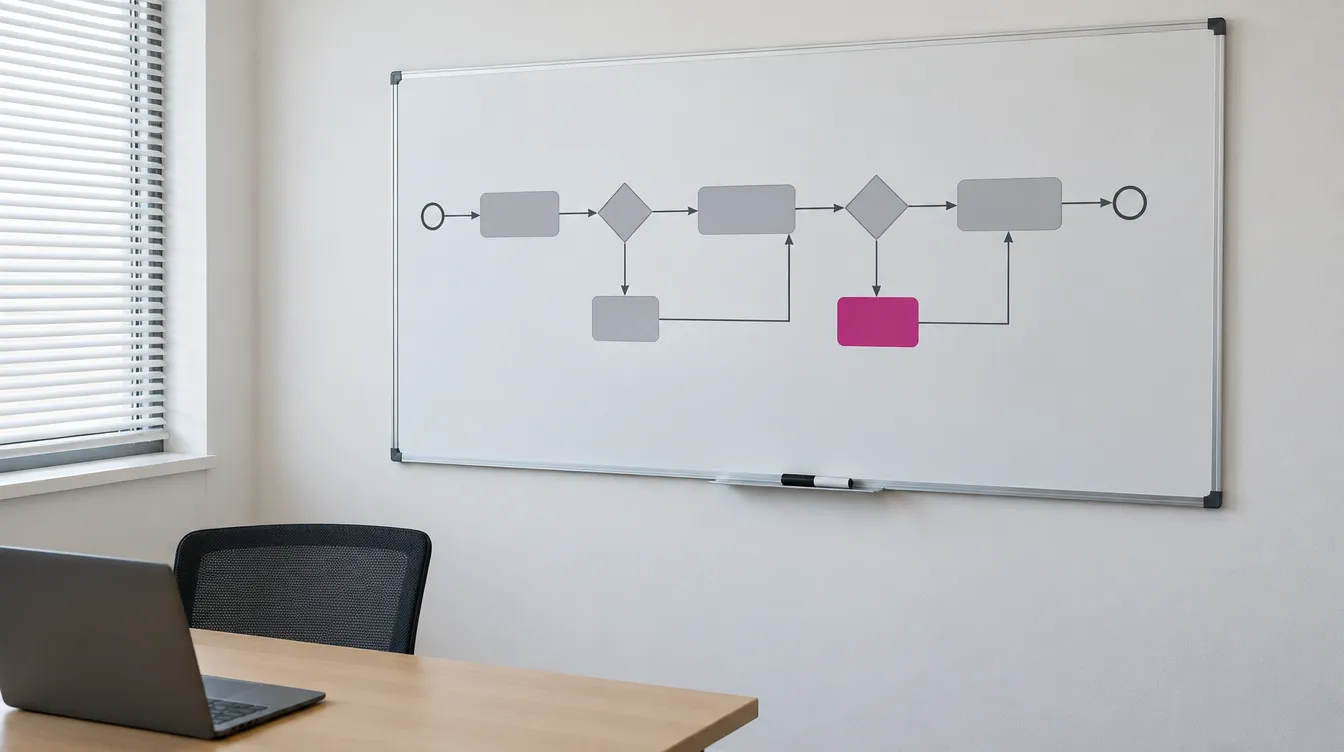
Processes before the tool
Who approves what, what the exceptions are, and what decision trail needs to remain.
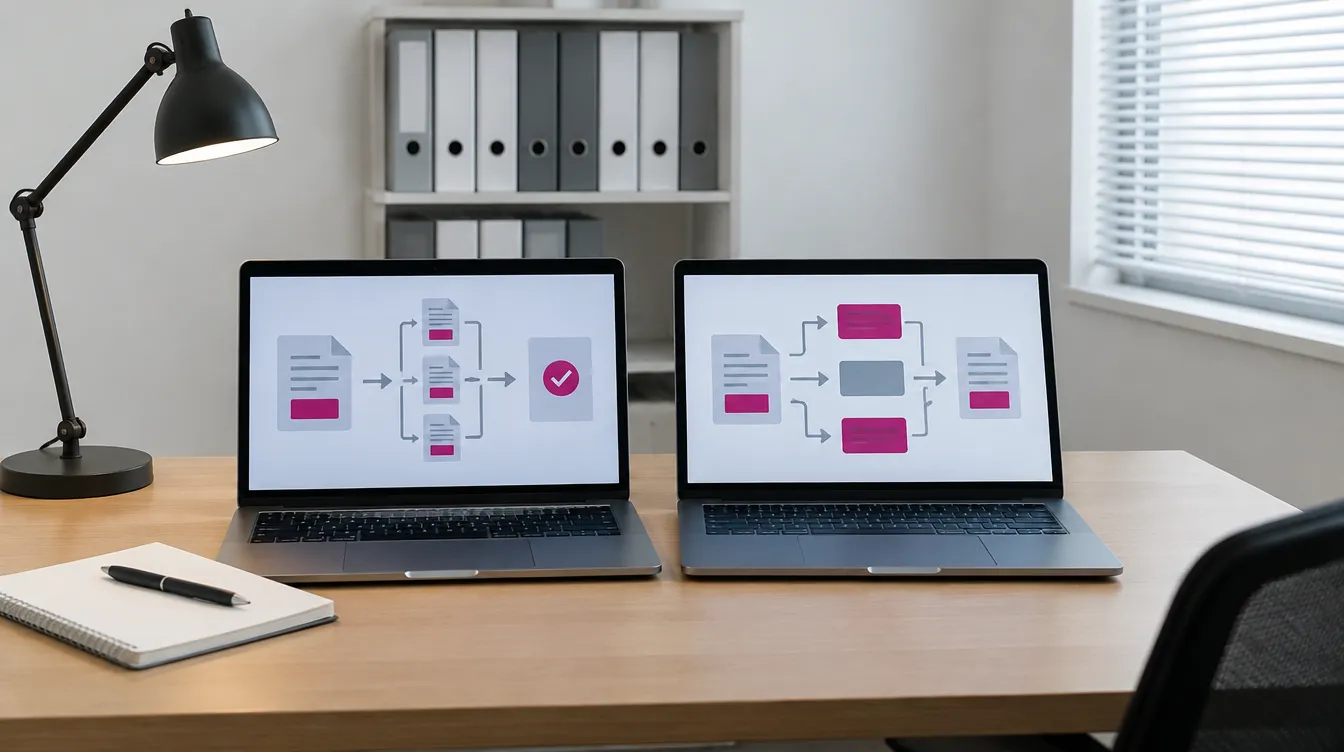
An inventory of what you already have
CRM, domain-specific systems, the records-management system and office software often handle part of the workflows already.
Requirements against lock-in
Export, API, BPMN, configuration rights, an exit plan.

Multi-year cost
Purchase, implementation, maintenance and the cost of leaving, compared on your own scenarios.
Zdjęcia ilustracyjne
Then write down the requirements that protect you against lock-in: export of data and case history in an open format, documented APIs, processes recorded in the BPMN standard, the right to your own configuration, and clear rules for exiting the contract. Name the risks you can identify today. Don't be naïve — write down all of them. Compare offers using your own scenarios and on a multi-year total cost basis (the investment plus recurring operating costs): licences, renewals, training, keeping the team up and running, changes, migrations. Think about how likely it is that the vendor will lose its key consultants, decide to replace administrators and developers with AI, or stop supporting your current operating system.
This post is for the boards of companies and municipal companies that want to put document flow, cost-invoice processing, contracts or applications in order, and are facing a choice of workflow system — that is, a tool that moves a case from one person to the next according to set rules. There are usually three routes to choose from: a ready-made BPM platform, a low-code tool, or a bespoke system built to order; the principles below apply to each of them. It will also be useful for CFOs, since they are usually the ones who end up paying for the consequences of a poor choice.
Why vendor lock-in starts at the outset
Lock-in rarely results from a single bad decision. It usually begins earlier than a company notices: processes get described inside the vendor's tool rather than in the company's own documents; data and case history sit in a format that cannot easily be extracted; only the implementation partner knows the configuration; and the contract says a great deal about implementation and very little about what happens when the company wants to leave. After a few years, switching systems costs more than maintaining one, even if it no longer meets the company's needs.
Step 1. Describe the processes before talking to vendors
Before a request for proposal is drafted, it is worth describing the workflows the system is meant to support: who raises a case, who approves it and in what order, what the exceptions and thresholds are (for example, a different path above a certain amount), what the deadlines are, and what decision trail needs to remain in case of an audit. It is best to record this in the BPMN standard, which various tools understand. That way, the process description belongs to the company, not to the system.
Without such a description, you end up comparing vendor presentations rather than solutions. Every demo looks good, because the vendor shows its best-case scenario, not your hardest exception.
Step 2. Check what you already have
Some workflows can often be handled by tools the company already owns: a CRM, domain-specific systems, a records-management system, or office software. Sometimes the conclusion of the analysis is that a new system isn't needed at all, and a change to procedure or configuration will suffice. Such a stocktake also reveals the integrations the new system will need to support — for example with the finance and accounting system and KSeF (the Polish National e-Invoicing System) — and the places where information currently gets lost. More: IT systems inventory.
Step 3. Requirements that guard against vendor lock-in
These requirements are worth writing into the request for proposal as conditions, not wishes:
- Export of data and case history in an open, documented format, at any time and without an additional fee.
- Documented API for integration with other systems, with the right for other contractors to use it.
- Processes recorded in a standard notation (BPMN) that can be exported and rebuilt elsewhere.
- The right to configure the system through your own team or any partner, with documented changes.
- Contract exit terms: a transition period, help with data migration, and a cost known in advance.
- Choice of maintenance partner: whether, after implementation, you can move to a different implementation company without losing the manufacturer's support.
It's like renting office space under a contract that states the cost of moving in but says nothing about moving out. As long as everything works, nobody notices. The problem appears on the day you need to relocate.
The same applies to RPA, ERP and CRM
These principles apply to any system that brings order to a company's work. In each case, though, it is worth starting with the question of what you want to achieve, because the answer determines whether you are even choosing the right class of tool.
RPA. The first question is: why RPA rather than BPM? A software robot takes over repetitive human tasks within existing systems, but it does not change the process itself; BPM reorganises the process. If the goal is to relieve people of re-typing data between systems, a robot may be sufficient. If the goal is a new, shorter case-handling flow, a robot often entrenches the old one. A robot also depends on the screens and formats of other systems: any change to them can stop it working, so it is worth knowing the cost of maintaining the scenarios and keeping their description outside the vendor's tool.
ERP. Here the key question is: should the ERP deliver best practices and ready-made processes, or should it support your own processes that build competitive advantage? In the first case, it is worth sticking to the system's standard and limiting customisation, since every change makes updates and switching partners harder. In the second case, a simple ERP wrapped in an agile BPM system sometimes works better, letting you change the processes that set the company apart without reworking the core. Either way, financial, inventory and HR data, together with integrations with KSeF and banks, must be fully exportable, along with their history.
CRM. Before comparing offers, it is worth establishing what you actually mean by CRM: organising customer-service processes, multichannel sales, or a contract-acquisition platform. These are three different projects, with different users, different integrations and different success metrics. Regardless of the variant, exporting the customer database with contact history and consents, plus an API to the sales and customer-service systems, should be a requirement in the request for proposal, not an afterthought.
Step 4. Compare total cost, not the licence price
Offers are best compared on a multi-year total-cost basis: purchase and implementation, maintenance and licences, further development, and the cost of exiting the contract. The cheapest licence is often the most expensive one by year three, when every process change means a paid order placed with a single partner. The comparison works best on your own scenarios: have each vendor demonstrate the same difficult case taken from your company. More on evaluating offers: evaluating offers and vendor discussions.
For a CFO, the two most important figures are usually the ones missing from the offer: the cost of changing a process after implementation, and the cost of leaving the vendor. It is worth asking for them explicitly at the offer-evaluation stage.
Step 5. Acceptance and the maintenance contract
A system is best accepted against test scenarios and criteria agreed in advance, rather than on the vendor's say-so. The maintenance contract should state how quickly defects are fixed, who makes changes and at what cost, and should confirm the provisions on data export and contract exit.
A practical example
Within a group of subsidiaries of an international corporation, a company used a central ERP system while also needing to automate financial processes from the procure-to-pay group, and to do so in line with corporate purchasing guidelines. There was a strong temptation to reach for corporate group-work tools, but they turned out to be fairly expensive and did not meet the requirements for independence or an easy exit should problems arise.
In stakeholder meetings, we prepared a detailed set of requirements that went beyond the standard features of off-the-shelf solutions. We developed several alternative ways of integrating with domain-specific systems and mechanisms to limit the risk of dependency on a single vendor. The result was a coherent application strategy built on standards, and an environment where new workflows are created in an agile way, through prototyping in short meetings with process owners, including non-technical ones. This environment wraps around the ERP system: it provides great flexibility where the company differentiates itself, without the cost of large-scale implementations.